
Captions for Workout Videos: Do They Help Trainers?
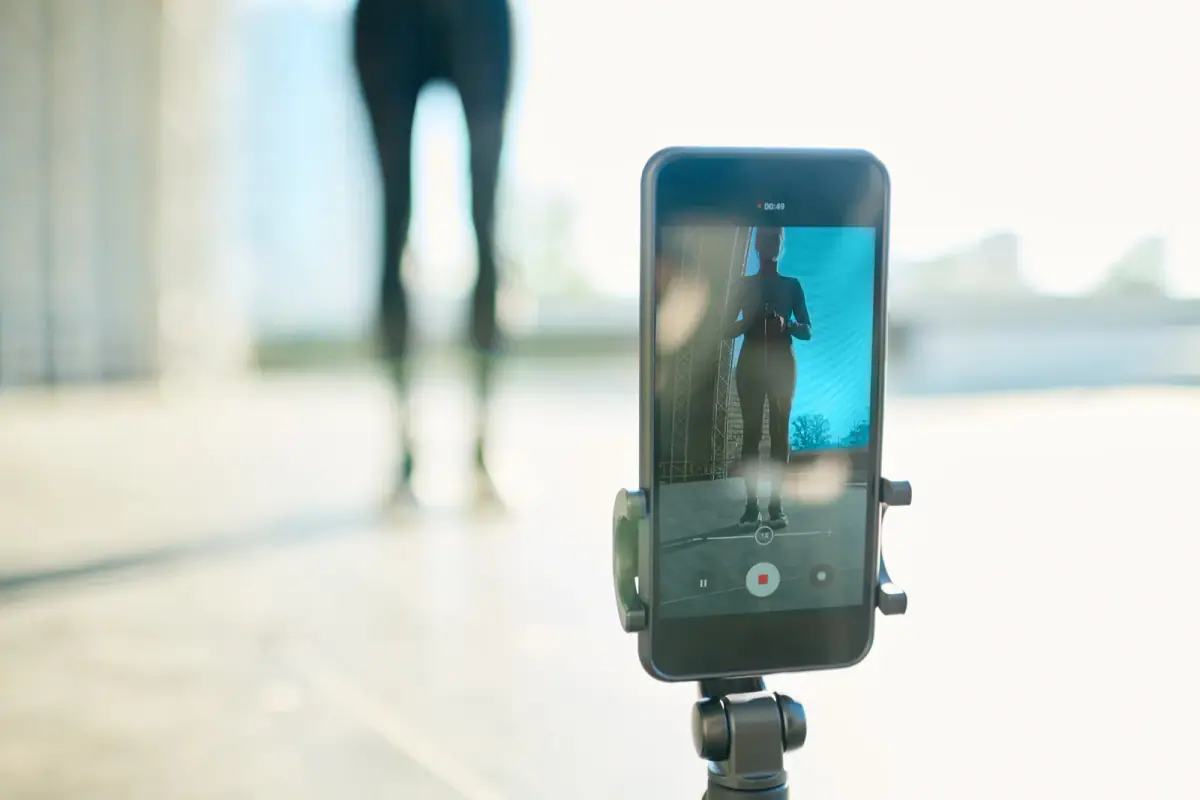
Yes, captions help trainers: many people scroll short videos with the sound off, so a demo without text loses its message in the first seconds. Captions also make a video usable for viewers who are deaf or hard of hearing, and they give you a place to name the exercise, which helps a viewer remember what they watched. For a local trainer, the cost is a few minutes per clip.
Why muted viewing is the default
Think about where your prospects watch. In a waiting room, on a commute, beside a sleeping partner, at a desk. In all of those, the phone is silent. A clip that opens with you speaking to the camera, with no text, reads as an empty frame to those viewers, and they move on. Treat sound as a bonus and the text as the main track.
How to add them quickly
- Record clean audio first. Captioning tools work best with clear speech, which a quiet private room and a clip-on microphone make easy.
- Run the automatic caption feature in the posting app or an editing app.
- Read the whole thing once. Fix exercise names, numbers and any word the tool guessed wrong. Terms such as “Romanian deadlift” are easy for software to mangle.
- Trim the line length. Two short lines at a time read better than a paragraph.
- Check it muted. Play it with the sound off, on your phone, before you post.
A caption style that keeps demos readable
- Name the move at the top for the first second, then remove it.
- One cue per rep set, such as “ribs down” or “slow on the way back”.
- Large, bold, high contrast text, with a thin outline or a soft box behind it so it stays legible over a busy background.
- Mid frame placement, away from your hands and away from the buttons the platform overlays.
- Consistent look across clips, so your videos feel like a series.
A reader can scan this as a rule of thumb: if the text hides the movement, shrink it or move it; if the movement is unclear without it, keep it.
Match captions to the format
Demos need short cues. Talking clips, where you answer a client question, need fuller captions so the idea survives without audio. If you film in a private room where the lighting and sound are yours to control, as in the rooms at FlexWerk, both the speech and the picture caption more cleanly than a busy gym floor.
For ideas on what to film in the first place, see Reels that bring in local clients, and how often to post covers pacing. Your profile text should say the same thing your captions do, and the bio formula helps with that.
Two mistakes that cost views
Captions that run ahead of your voice confuse viewers, so keep each line on screen only as long as the matching words last. And captions that cover the part of the body you are teaching defeat the purpose of a demo, so frame the shot with a clear strip for text before you press record. Fix both in the first month and the rest is routine.
Review the finished clip at normal phone size, not on a laptop, since text that looks fine large can vanish on a small screen. If a word is hard to read for even a second, enlarge it or change its color before posting.
Related questions
Are auto generated captions good enough?
They are a fast start, but they misread exercise names and your accent more often than you expect. Give every caption a quick read before posting, since a wrong word on a demo looks careless.
Should captions be word for word or short cues?
For demos, short cues work better: the exercise name and the one thing to watch. Word for word suits talking videos, where the viewer wants to follow your point.
Where on the screen should captions sit?
In the middle third, clear of your body and of the interface buttons that cover the bottom and the right edge on most platforms.