
What's the Best Scheduling App for Personal Trainers?
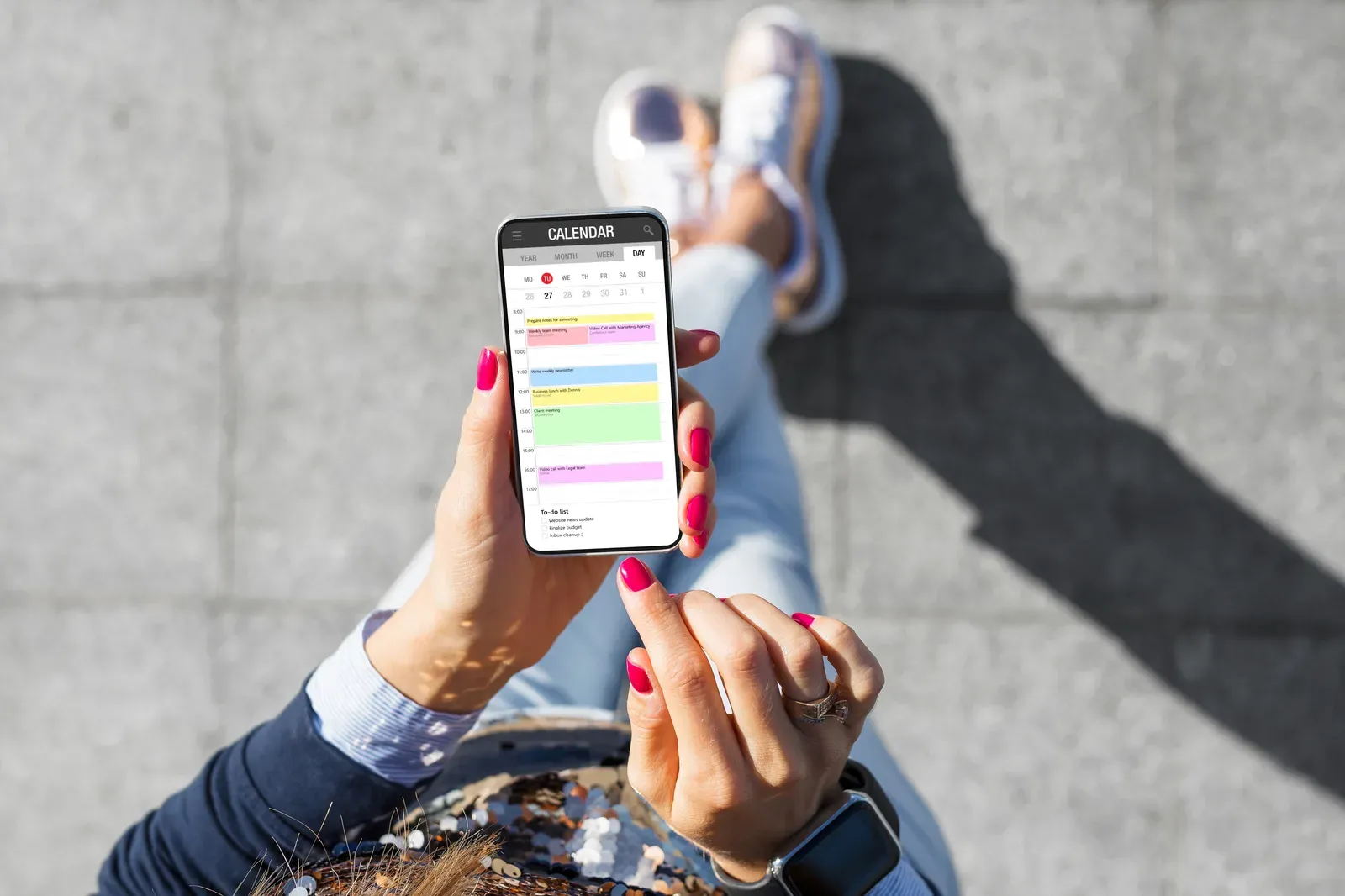
For most independent trainers the best scheduling app is Calendly or Acuity Scheduling if booking is all you need, Square Appointments if you want payments folded in, or the scheduler already inside your coaching app if you pay for one. The right pick is whichever ends back-and-forth texting this week, because the texting, not the tool choice, is what actually costs you money. Pricing on every option changes often, so check current plans rather than old comparison charts.
Here is what to require, how the options really differ, and how to line your scheduler up with the space you train in.
The five requirements that matter
Judge any scheduler on five things, and ignore the rest of the feature tour:
- Self-serve booking: clients pick from your real availability without messaging you.
- Buffers and limits: automatic gaps where you need them, caps on how late or early sessions can be booked.
- A cancellation window the software enforces: the policy lives in the tool, so you never have to be the villain.
- Automated reminders: the day before and the morning of. This single feature pays for the entire category by cutting no-shows.
- Payments attached to booking: a card on file or prepaid sessions, so booked means committed.
Any tool that does all five well is a correct answer. That is the honest reason the best app debate stays unresolved: the category matured, and the differences are now about fit, not capability.
A sixth item is worth wanting without requiring: a clean reschedule flow. Clients rarely cancel outright; they move. A tool that lets them slide to another open slot in two taps preserves the session, and the revenue, that a clumsy cancel-and-rebook flow loses.
The options, honestly
- Calendly: the cleanest booking experience clients will ever see, generous free tier, easy payment integrations. Weakest at service-menu complexity, which solo trainers rarely have anyway.
- Acuity Scheduling: more control over service types, intake forms, and packages. Slightly more setup, more power for coaches selling multiple session formats.
- Square Appointments: the pick when you already run payments on Square; booking, card on file, and no-show protection live in one system.
- Built-in schedulers in Trainerize or Everfit: if the subscription is already paid and the booking flow fits, one login beats two tools. TrueCoach travels lighter here, so its users more often add a dedicated scheduler.
- Google Calendar appointment scheduling: the free floor. Fine for your first clients; you will feel its edges at reminder and payment time.
One category to avoid: booking tools built for salons and spas, with deep service menus and staff rotas. They technically work, and every screen fights you, because a solo trainer is not a five-chair business. Beyond that, resist tool-hopping: every switch costs your clients a new login and you a week of setup, so pick once and stay until a real requirement breaks.
Line the scheduler up with your space
An independent trainer runs two calendars: when clients can book you, and when the room is booked. Keeping them honest with each other is mostly configuration:
- Mirror facility hours. If you train at FlexWerk Carmel, the building runs 5 AM to 9 PM weekdays and 7 AM to 4 PM weekends, so your bookable windows should live inside them. Suites themselves book by the hour through the FlexWerk app, and your first hour is free if you are still evaluating the model.
- Batch your windows. Opening tight blocks, say 6 to 10 AM and 4 to 8 PM, instead of scattering availability keeps sessions adjacent, which is what makes back-to-back sessions work and keeps your hourly space spend efficient.
- Confirm the room when the client books. A simple habit: client booking comes in, suite booking goes out, same minute. Two calendars, one motion; the mechanics on the space side are covered in how to book a FlexSpace.
- Leave one escape hatch. Keep a private booking link or manual override for your own use, because the day will come when a client needs a slot your rules would refuse, and judgment should be allowed to overrule configuration.
Around Carmel there is one more scheduling reality worth designing for: the before-work crowd. With the Meridian corridor holding one of the largest office-worker concentrations in Indiana, the 5 to 8 AM block is prime inventory. A scheduler that fills those mornings cleanly, with reminders that survive early alarms, is worth more than any premium feature.
Set it up once, properly
Whichever tool you pick, an hour of setup does the real work: write the cancellation window into the booking page, turn on both reminders, require the card, set your buffers (zero to fifteen minutes, by preference), and send every current client the link with a one-line note that booking just got easier. Adoption is instant because clients wanted this more than you did. And if you are wondering whether even a scheduler is premature at your roster size, it is the one tool that earns its keep at any volume; the fuller version of that judgment call is in do I need a coaching app with under 10 clients.
Then stop optimizing. The scheduler’s job is to disappear, leaving you a clean calendar and full attention for the hours that pay. If the next gap in your setup is the room those hours happen in, book the free first hour and test the whole flow, client booking to suite booking, in one morning.
Related questions
Is Calendly good enough for personal trainers?
For most independent trainers, yes. Self-serve booking, buffers, reminders, and payment integration cover the core needs. Acuity adds more service and intake control, and Square Appointments folds payments in natively. Pricing changes often, so check current plans.
Should I use my coaching app's built-in scheduler instead?
If you already pay for Trainerize or Everfit and their scheduling covers your booking flow, use it and skip a second tool. Add a dedicated scheduler only when the built-in version creates friction.
How do I stop no-shows with a scheduling app?
Three settings do most of the work: automated reminders the day before and morning of, a stated cancellation window, and a card on file at booking. Policy plus automation beats either alone.