
CRM for Personal Trainers: Why It's Not Your Coaching App
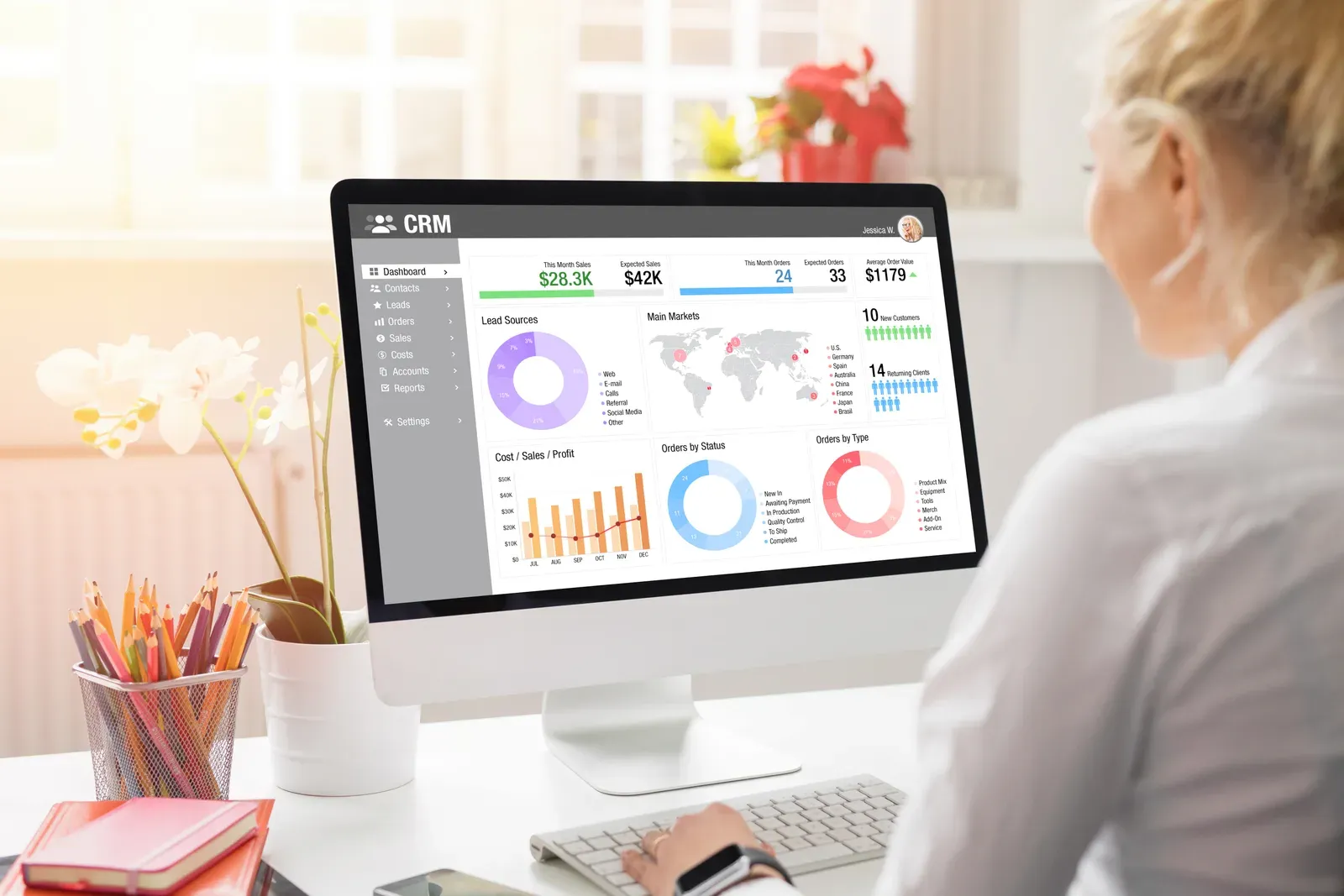
A CRM manages people who are not your clients yet; your coaching app manages people who already pay you. Confusing the two is why good leads go cold: a coaching app has no habit of reminding you that the woman who inquired two Tuesdays ago never got a follow-up. Most trainers need both jobs done, even if the CRM side is a well-kept spreadsheet, and the trainers who grow fastest are usually the ones who treat the not-yet-client list as seriously as the client list.
Here is what a CRM actually does for a training business, why your coaching app cannot do it, and what to use at each stage.
What a CRM does for a trainer
A CRM does one thing: it makes sure every potential client has a recorded next step, and that the step happens. In practice that means a pipeline with a handful of stages:
- New inquiry: someone messaged, called, or filled a form.
- Conversation started: you replied and are qualifying.
- Consult booked: a date exists.
- Consult held: decision pending.
- Won or recycled: they became a client, or they go on the long-term nurture list. Not now rarely means never.
Every name sits in exactly one stage with a date on it. That is the whole discipline. It matters because the leaks in a training business are rarely dramatic; they are quiet. The consult that never got scheduled. The referral you meant to text. A CRM is a leak detector.
It also helps to make the next step easy to say yes to. A consult in a private suite is a different invitation than coffee somewhere loud, and at FlexWerk the first hour is free for fitness professionals, which makes run a real session with me a genuinely low-friction close.
Why your coaching app is not this
Coaching apps are built for delivery: programs out, logged sets back, messages in between. That design assumes the relationship already exists. What they lack, or handle thinly, is everything before the first payment:
- Lead capture and stages. Some platforms bolt on lead forms, but few give you a real pipeline view with follow-up dates.
- Follow-up automation for non-clients. Reminder logic in coaching apps points at workouts, not at inquiries going stale.
- Source tracking. Which of your efforts produce clients? Referrals, Google, a chamber event? Coaching apps do not know and do not ask.
Use each tool for its half of the timeline: CRM until they pay, coaching app after. The handoff between the two is a five-minute admin task, not a reason to force one tool to do both jobs badly.
The right tool at each stage
Stage one: a spreadsheet. Under a lead or two per week, six columns beat any software: name, source, goal, last contact, next step, status. Review it every Friday. This is not a compromise; it is the correct tool for the volume, and it costs nothing.
Stage two: entry-level CRM software. When the sheet leaks, move to something like HubSpot’s free tier or Pipedrive: real reminders, pipeline views, and email logging without much setup. Pricing and free-tier limits change often, so check current plans.
Stage three: all-in-one platforms. Tools like Keap or GoHighLevel add funnels, automated sequences, and SMS. They are powerful and they are work: real setup time and real monthly cost. They earn their keep when marketing volume is genuinely there, and not before. Whatever you pick, the CRM should remain the smallest sensible piece of your overall tech stack, not its centerpiece.
The follow-up cadence that books consults
Software organizes follow-up; it does not perform it. The cadence that works is boring and repeatable:
- Within an hour of an inquiry: a personal reply. Speed to lead is the single biggest conversion lever you control.
- Two days later if silent: one short, useful nudge, not a pitch.
- A week later: a final direct invitation with a specific time offered.
- Quarterly: recycle every not now with something worth reading, which is where email marketing takes over from one-to-one messages.
Two small habits multiply the whole system: log every conversation the same day it happens, while the details are fresh, and write each next step as an action with a date, never as a vague stay in touch.
This cadence matters most where your leads come from real rooms. Around Carmel, plenty of trainer business starts at network events; OneZone Chamber alone counts around 1,400 member businesses across Carmel and Fishers, and a stack of business cards from one breakfast is exactly the kind of lead batch that dies without a system. The trainer who logs ten conversations and follows up on all ten will out-sign the better coach who follows up on two.
Keep the tool honest
A CRM does not create demand; it stops you from wasting the demand you already earn. If the pipeline is empty, the fix is marketing and referrals, not software, and the groundwork for that is covered in how to get personal training clients. If the pipeline has names in it but consults are not happening, the fix is usually speed and specificity, not a bigger platform.
Start this week with whichever stage fits: open the spreadsheet, log every open conversation you can remember, and give each one a next step with a date. Then make the next step you offer new leads an easy one, a real hour in a real suite, and let the pipeline prove itself.
Related questions
Is Trainerize a CRM?
Not really. Trainerize and similar coaching apps are built to serve paying clients: program delivery, logging, messaging. A CRM manages people before they pay you, and the lead-nurture side of coaching apps stays thin.
When does a spreadsheet stop being enough?
When leads arrive faster than you update it, when follow-ups slip because nothing reminds you, or when you cannot answer which sources produce clients. Any one of those is the signal to move to CRM software.
What is the most important CRM habit for a trainer?
Speed to lead. Responding to an inquiry within an hour dramatically improves your odds of a consult, and no software feature matters more than that habit.