
Coaching With Wearable Data: Whoop, Oura, and Garmin Clients
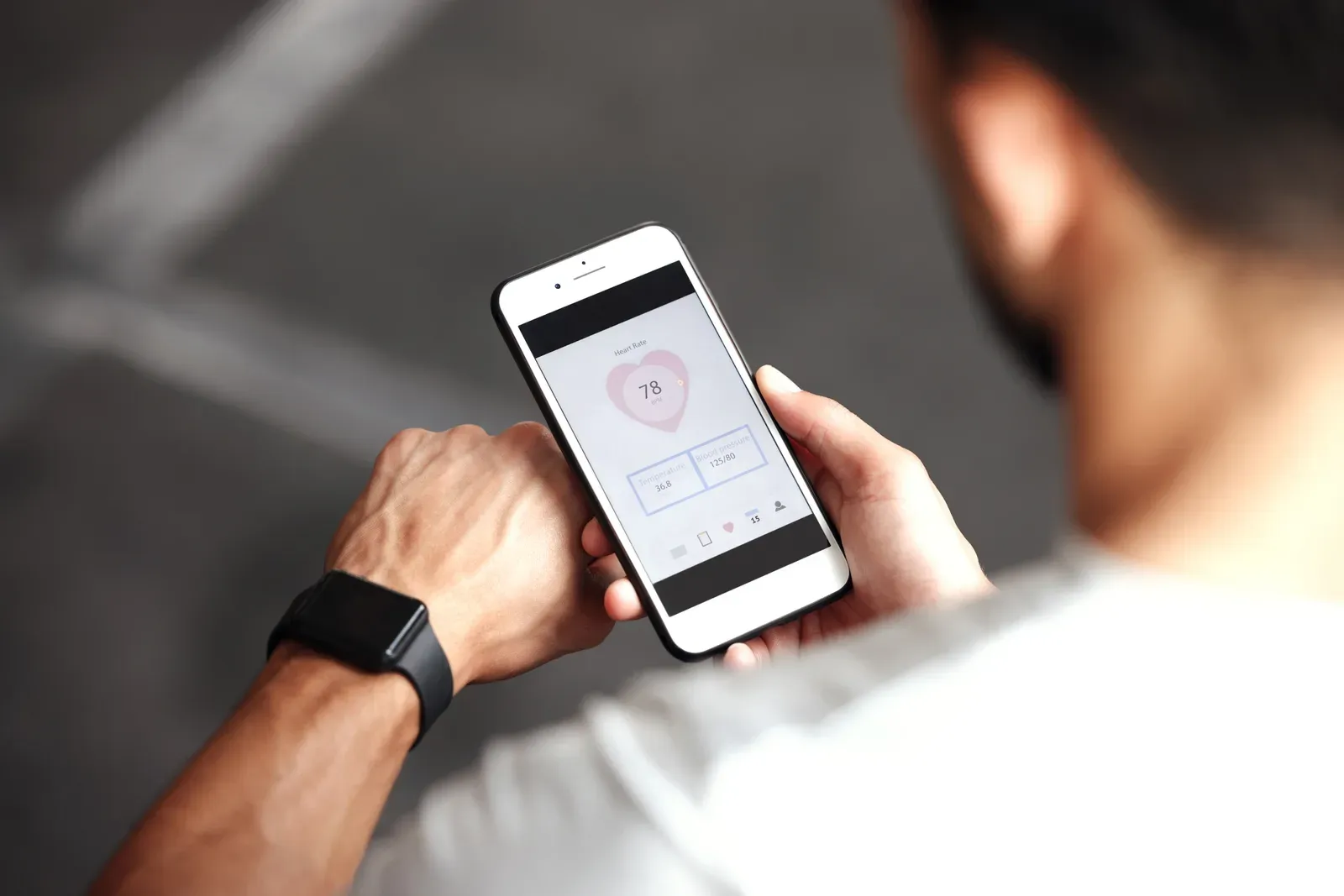
Treat wearable data as a conversation, not a prescription. Whoop recovery scores, Oura sleep data, and Garmin training load are useful inputs for session-day decisions and check-in trends, and they are terrible substitutes for assessment, observation, and coaching judgment. The coaches who handle this well use the numbers to ask better questions; the ones who handle it badly let a wrist strap write the workout.
More of your clients arrive wearing these devices every year, so you need a working policy. Here is one.
What each device actually tells you
Know the instrument before you read it:
- Whoop centers on strain and recovery, built on heart-rate variability, resting heart rate, and sleep. Its recovery percentage is the number clients will quote at you in the doorway.
- Oura is strongest on sleep: duration, consistency, and a morning readiness score. Clients who own one tend to care about sleep already, which is coaching gold.
- Garmin speaks the language of endurance: training load, VO2 max estimates, and pace data. Runners and cyclists trust it deeply, sometimes more than their own legs.
- Apple Watch is the generalist: activity rings and closing streaks. Less physiological depth, but real behavioral pull.
All of them share one property: they are consumer devices, good for trends and mediocre for absolutes. Any single morning’s score deserves a raised eyebrow; a three-week drift deserves attention.
How to fold the data into your coaching
The workable system is light. Add one field to your weekly check-in, whatever score the client’s device leads with, and use a simple three-band rule for session days:
- Green (recovered, slept well): train as planned, and this is the day for top sets or a tested benchmark.
- Yellow (middling score, or the client feels worse than the score says): keep the session, trim volume or intensity ten to twenty percent, and watch the first two working sets before deciding anything else.
- Red (poor recovery and the client confirms it): change the goal of the hour, not the appointment. Movement quality, tempo work, aerobic base. Canceling teaches clients that tired means skip; adjusting teaches them that tired means train smart.
Notice the pattern: the client’s report always gets a vote. When the score and the human disagree, believe the human, then get curious about why.
The review conversation itself is easier in a private room. Every FlexSpace has a TV you control, so pulling up a month of trend charts next to a training log takes thirty seconds, with no gym-floor audience; if you want to feel what a data-review-plus-training hour runs like, the first hour is free. From there, the weekly rhythm belongs inside your broader client check-in system, not in a separate dashboard you will stop opening by March.
Where wearables mislead, and how to coach around it
Honest limits, because your credibility rides on knowing them:
- HRV is noisy. Alcohol, travel, a late meal, a stressful email: all of it moves the number. Never let one bad morning rewrite a training block.
- Scores can create anxiety. Some clients start sleeping worse because they are being graded on sleep, or skip productive sessions because an app said 34 percent. If the device is adding stress, the coaching move is a data holiday: take it off for two weeks and train by feel.
- Devices flatter what they measure. Garmin’s load metrics undercount a heavy squat session; strain scores misread strength work generally. Explain this once and you save a season of confused clients.
- They are not medical devices. If readings look genuinely odd or a client reports symptoms, the answer is their physician, full stop. Interpreting cardiac data is not in a trainer’s scope, and saying so out loud builds more trust than pretending otherwise.
The clients who bring data, and the opportunity in it
Around Carmel this is not a niche. The Meridian corridor holds the second-largest concentration of office workers in Indiana, and the executive with a Whoop and a stressful calendar is practically a local archetype. The Monon Greenway sees well over a million users a year across the metro, and its runners arrive fluent in Garmin. These clients are premium, data-literate, and often over-trained in exactly the ways their own dashboards reveal.
Meeting them at their data is a positioning advantage. Roughly half of clients now look for a specialist rather than a generalist, and the coach who reads my recovery trends beats the coach who ignores the watch entirely. Pair the human judgment with light tooling, AI can summarize a month of check-in and wearable notes in seconds, a workflow covered in AI tools for trainers, and you deliver something an app alone cannot: interpretation.
A one-page wearable policy for your practice
Steal this and adapt:
- Wearables are welcome, never required.
- One score per week enters the check-in; the rest stays on the client’s wrist.
- Trends over snapshots; two to four weeks before anything changes.
- The client’s felt experience outranks the score.
- Anything symptom-shaped goes to a physician.
That policy fits on an onboarding page and prevents ninety percent of wearable drama. The rest is practice: pick one data-carrying client this week, run the three-band rule for a month, and see whether the conversation, not the gadget, is what improves. If you want a room built for exactly that conversation, the first hour in a suite is free.
Related questions
Should I make clients buy a wearable?
No. Wearables are a bonus data stream when a client already owns one, not a program requirement. A simple sleep and energy question in your weekly check-in captures most of the same signal for free.
How accurate are consumer wearables?
Good enough for trends, not for absolutes. Sleep staging and strain scores can miss meaningfully in any single reading, so coach off two-to-four-week patterns rather than yesterday's number.
What if a client's wearable shows something worrying?
Stay in scope. Consumer wearables are not medical devices, so if readings look concerning or a client feels unwell, the right move is a conversation with their physician, not a program tweak.