
Where to Store Client Health Forms Securely
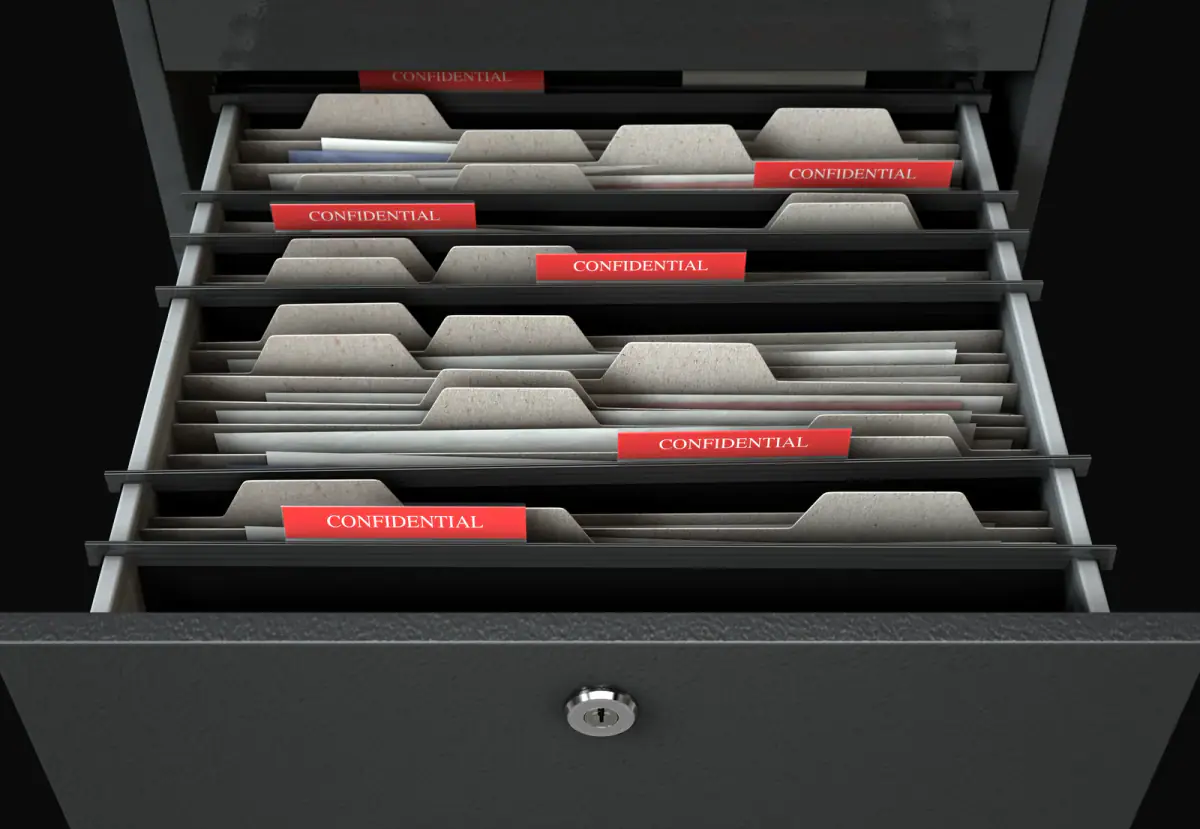
Store client health forms in a locked cabinet or an access controlled, encrypted digital folder that only you can open, and keep the forms out of shared drives, text threads and rented rooms. Paper and digital both work; what fails is a system with no lock, no owner and no list of what is in it. The decisions below cover where to keep forms, who should see them and what the rules say, and they apply whether you meet clients in a private room by the hour or elsewhere.
What the rule says
HHS explains that the HIPAA Privacy Rule applies to covered entities: health plans, clearinghouses, and health care providers who electronically transmit health information in connection with certain standard transactions, such as claims. Using email does not by itself make a provider covered. A personal trainer who collects a screening questionnaire for coaching purposes is generally not billing insurers electronically, so these federal rules typically do not apply to the trainer’s own files, though a trainer who works inside a clinical practice may be different.
Indiana’s security breach law, Indiana Code article 24-4.9, treats certain combinations of personal information, such as a name with a Social Security number, driver’s license number or financial account details, as protected and requires notice to affected people and the Attorney General after a breach. A health form often carries a name, address and date of birth, and may also carry payment details if you attach them.
Checked October 2026 against HHS and the Indiana Attorney General’s data breach guidance. This is general information, not legal or tax advice, and rules change, so ask your attorney how they apply to your business.
Paper or digital: how to choose
| Factor | Paper | Digital |
|---|---|---|
| Setup cost | A lockable cabinet | A password manager and an encrypted drive or a purpose built client platform |
| Risk | Theft, fire, water, misplacement | Weak passwords, shared logins, lost devices, vendor breaches |
| Access control | A key you hold | Individual accounts and two step sign in |
| Retrieval | Slow | Fast, searchable |
| Best for | A small roster you see in person | Remote clients, or a roster you expect to grow |
Choose one primary home for each form. Mixing a paper original and an unmanaged digital copy doubles your exposure and leaves you unsure which version is current.
Rules for a paper system
- Use a cabinet that locks, and keep it at your home or office rather than in a rented room.
- File by client code or initials rather than full names, and keep the key to the codes separate.
- Never leave forms on a clipboard in a shared space between sessions.
- Shred forms when your retention period ends, using a cross cut shredder.
Rules for a digital system
- Use a password manager and turn on two step sign in.
- Store files in an encrypted folder or a client platform that lists its security practices.
- Never email forms as ordinary attachments, and ask clients to use the secure link you provide.
- Back up on a schedule, and delete the phone photo once the scan is filed.
- Remove anyone who no longer needs access, including past assistants.
Who may see the form
You, and no one else by default. Share information only with a reason and, where it is a client’s health detail, with their permission, such as a note to their physician. Do not discuss a client’s answers where others can hear, and avoid leaving an open screen when someone else enters a room. The Indiana data privacy law answer explains why scale matters for the state consumer law, and the registered agent privacy answer covers a separate exposure.
How long to keep forms
Set a written retention period and follow it. Ask your insurer and attorney what to use, since waivers for minors and injury claims can matter well after training ends. Revisit the forms on a schedule, as covered in how often clients should update their health history.
Fitness professionals can take the first hour free at FlexWerk through the get started page, and client records stay with you, not the room.
Related questions
Is a photo of the form on my phone acceptable?
It is risky. Phone galleries sync to personal clouds, get shared by accident and are lost with the device, so scan into a dedicated, protected folder and delete the photo.
Can the facility where I train see my client forms?
Not unless you share them. Keep your records in your own locked or protected system rather than leaving paper in a rented room.
How long should I keep a client file after they leave?
There is no single trainer rule to cite here. Ask your insurer and attorney for a retention period that fits your waiver and any minors you train, then write it down and follow it.