
Exercise Demo Video Library for Online Clients: Build One
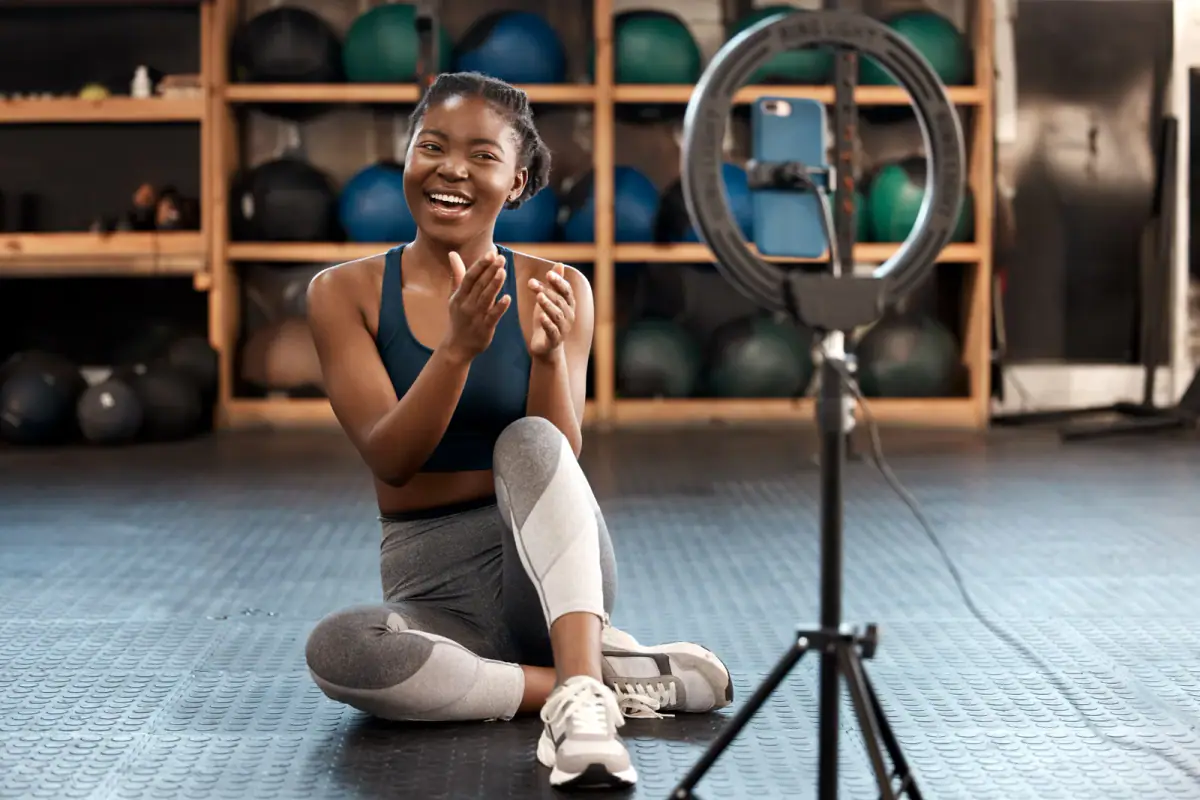
An exercise demo video library for online clients is a folder of short, consistently named clips, one per movement, filmed at two angles in a single session and linked from each client’s program. It pays for itself the first time you answer “how do I do this?” with a link instead of a new message. If you coach more than a few clients remotely, one afternoon in a private filming-friendly room is enough to start.
Choose the movements before you pick up the camera
List every exercise you have assigned in the last two months, then count how often each appeared. The top thirty or so are your first batch. Group them by pattern, not by body part: squats and lunges, hinges, pushes, pulls, carries, trunk work, mobility and warm-ups.
For each movement, write down the variations you actually use. A single “split squat” may mean three different versions in your programs, and your clients will want the right one. Name each variation separately now, because renaming after you film costs far more than naming before.
Resist the temptation to include everything. A library that mirrors your real programming stays small and relevant, and the gaps show you what to film next.
Name every clip the same way
A naming pattern is the real engine of a library. Pick one and never deviate:
pattern_movement_variation_angle
For example: squat_goblet_heels-elevated_side. Use lowercase, hyphens between words and underscores between sections, so any search tool, file system or app can sort it. Add a version number only when you replace a clip, and keep the older version in an archive folder.
Match the names to the language in your programs. If you write “RDL” in a workout, name the clip with the same word you type, or the client’s search will fail. A short key that translates abbreviations belongs at the top of your folder.
Film two angles, with the fault included
Most movements need a front or back view and a side view. The side shows depth, spine position and bar path; the front shows symmetry and foot position. Film them back to back without moving the equipment, and keep the camera at about hip height so the whole body fits.
Each clip should contain, in this order:
- The setup, from the first adjustment.
- Three to five clean reps at a normal pace.
- One common fault, performed on purpose and labeled on screen or in the caption.
- A single sentence cue, spoken or captioned.
Showing the fault is what cuts messages. Clients rarely ask how to do a movement perfectly; they ask why it feels wrong, and the fault clip answers that.
Lighting and sound decide whether clients keep watching. For help, see how to light a fitness video in a gym room and choosing audio for workout videos. A private room with controllable lighting and no one walking through the frame makes both easier, and the whole batch can often be filmed in a few booked hours.
Store it so clients can find it
Mirror your programming structure in folders: pattern first, then movement, then angle. Keep one master spreadsheet or document with the clip name, the pattern, a link and the date filmed.
For storage, use any cloud folder that gives you shareable links, and test one link on a phone before you send it to clients. Set sharing to view only. Back up the folder somewhere separate once a month, because the library is a business asset.
If you coach fewer than ten people, a simple shared folder may be all the system you need, and whether you need a coaching app at all is worth reading before you add software. When you grow past that, most coaching tools let you attach a link to a program line, so your naming work carries over.
Keep it alive
Add a clip every time a client asks about a movement that is not in the library. Review the whole set twice a year for outdated cues and replace weak clips. Over a year, the library becomes a quiet assistant that answers most questions before they are asked.
Spaces rent by the hour, you keep what you charge, and the first hour is free for fitness professionals, so you can film your first ten movements for the cost of nothing and judge the result before booking more. For a fuller view of how a room works as a set, see content creation space for fitness coaches.
Related questions
How many exercises should the first version include?
Start with the thirty or so movements you assign most often. A small library that covers ninety percent of your programs is more useful than a huge one you never finish, and you can add the rest as new requests appear.
How long should each demo clip be?
Long enough to show the setup, a few clean reps and the most common fault. Most demos run well under a minute, and a short clip is more likely to be watched all the way through.
Do I need to re-record when I change my coaching cues?
Only when a cue changes how the movement looks. Keep the voice-over or text separate from the video where you can, so you update a caption instead of re-filming the whole clip.